INTERACTION DESIGN & PROTOTYPING
Sprout Planner
Capture the mess.
Grow the plan.
A thought should have somewhere to land before it has a category. Sprout begins with a quick capture box, then gives those thoughts a place in a task list, a calendar, and an idea garden.
- Role
- Product concept, interaction design, and AI-assisted prototyping
- Format
- HTML, CSS, JavaScript, and local browser storage
- Status
- Course prototype; available to explore

A place for
unfinished thoughts.
Planning tools often ask a person to organize an idea before they have finished thinking it through. Sprout explores a gentler starting point: write the thought first, then work out where it belongs.
The garden gives projects a visible history. Returning to a project waters its plant and advances its growth stage. The metaphor is intended to make continued attention visible; a larger tree is not a measure of the quality or value of someone’s work.
Get it down.
A central text box accepts several thoughts at once, including urgency cues and task categories.
Find a next step.
Local rules group tasks and sort them into Do Now, Soon, and Later. The demo does not call an AI service.
Keep it growing.
The garden, daily tracker, and calendar offer different ways to revisit work. Progress stays in this browser.
What the prototype
made visible.
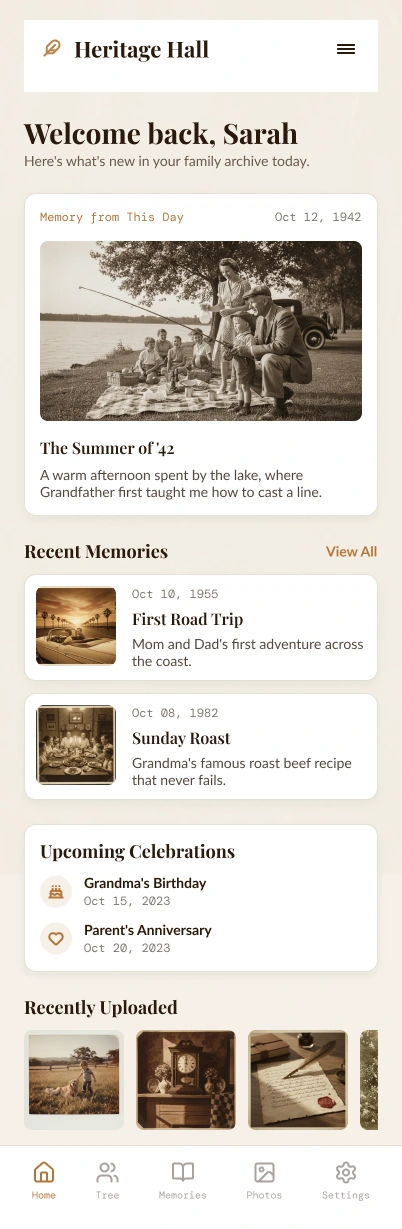
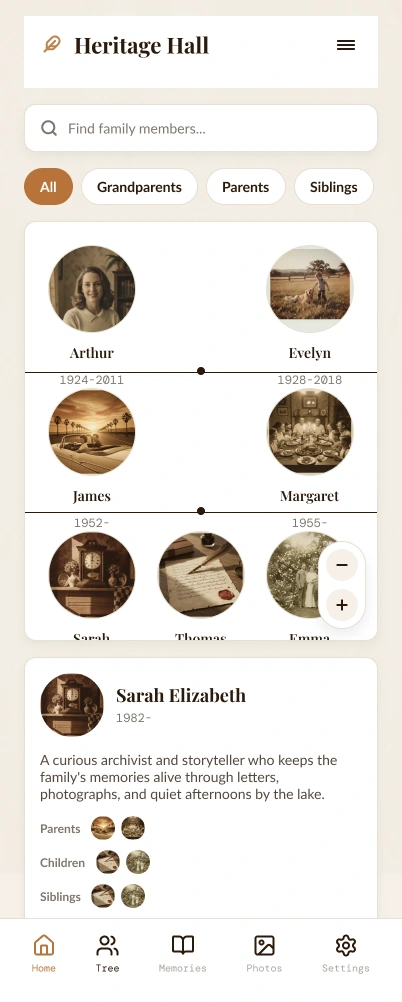
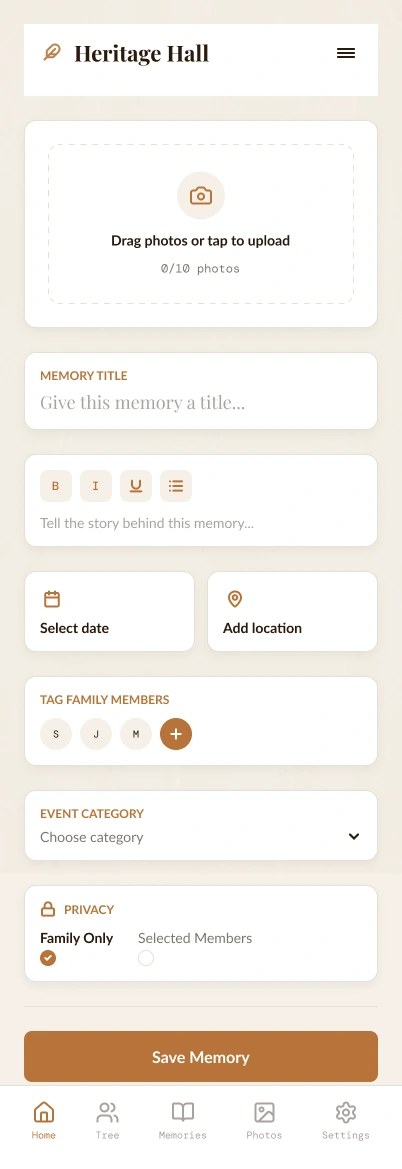
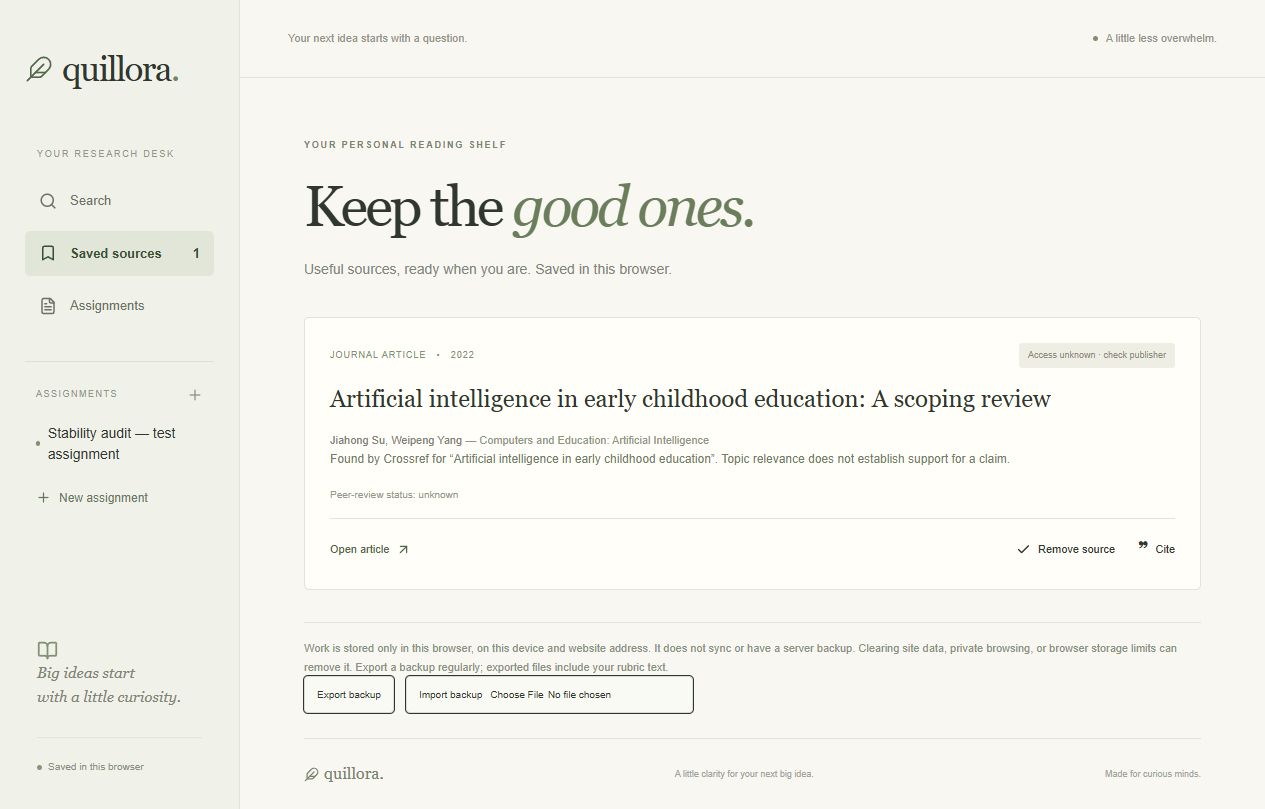
The report card records a useful tension: the garden attracted interest, but the everyday planning controls needed more depth. Long labels could overrun growing trees, some tags repeated or missed the subject, and the small daily planner offered too few choices.
The proposed five-person test and the feedback recorded afterward are separate pieces of evidence. The report does not establish a completed participant count or support a claim of improved productivity.
The next design pass should begin with difficult content: a long project name, a mature tree, an overdue task, and an incorrect category. Making those states clear would strengthen the planner before adding more plant varieties.
Explore the
working prototype.
The hosted demo preserves the submitted planner’s behavior and artwork. Keyword rules organize tasks, and this browser stores the plan. Use the planner’s JSON export to save a separate copy.
AI-assisted coding supported implementation. The product concept, interaction design, feature choices, assumptions, and evaluation plan belong to Sarah Craft.
Open the planner